===============================
每个月模型上省下的钱可以拿出一部分支持一下【心流搜索】和【心流知识库】
https://www.iflow.cn/
https://platform.iflow.cn/pricingPage
说不定哪天心流高层一高兴就把我们心心念的 iflow cli 开源了呢 
OpenCode 在我这里一直都是替代品。
===============================
源码:codearts-auth.zip
不开源:开源的话用得人多了华为的服务器会变卡。
使用方式:
1、下载解压
2、OpenCode配置文件中:%USERPROFILE%\.config\opencode\opencode.json
写自己解压后的路径
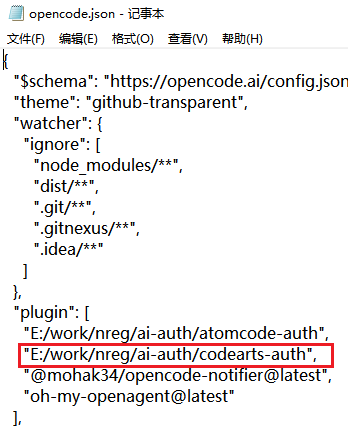
3、命令行直接输入 opencode(windows gui用户 输入 opencode-cli)
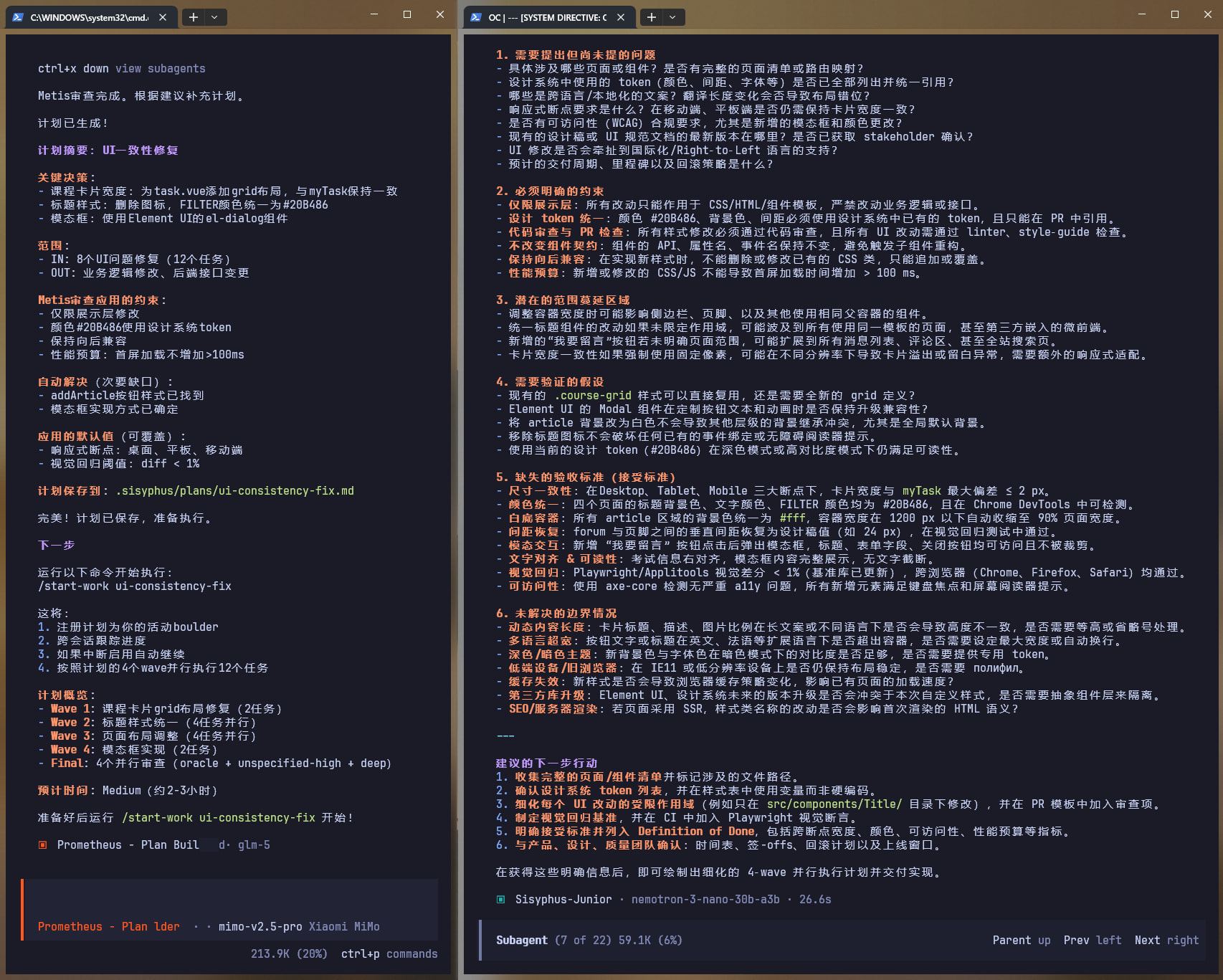
4、打开opencode 后,按照下图操作
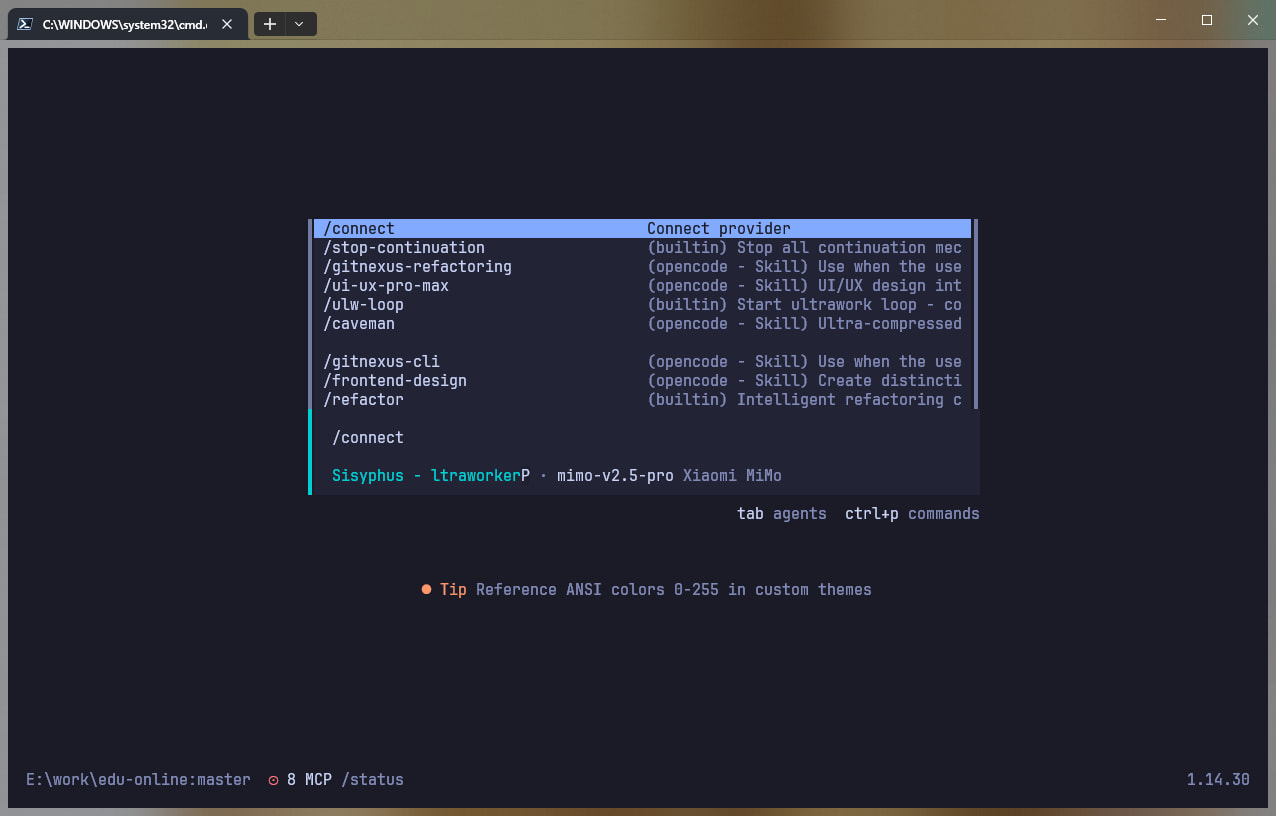
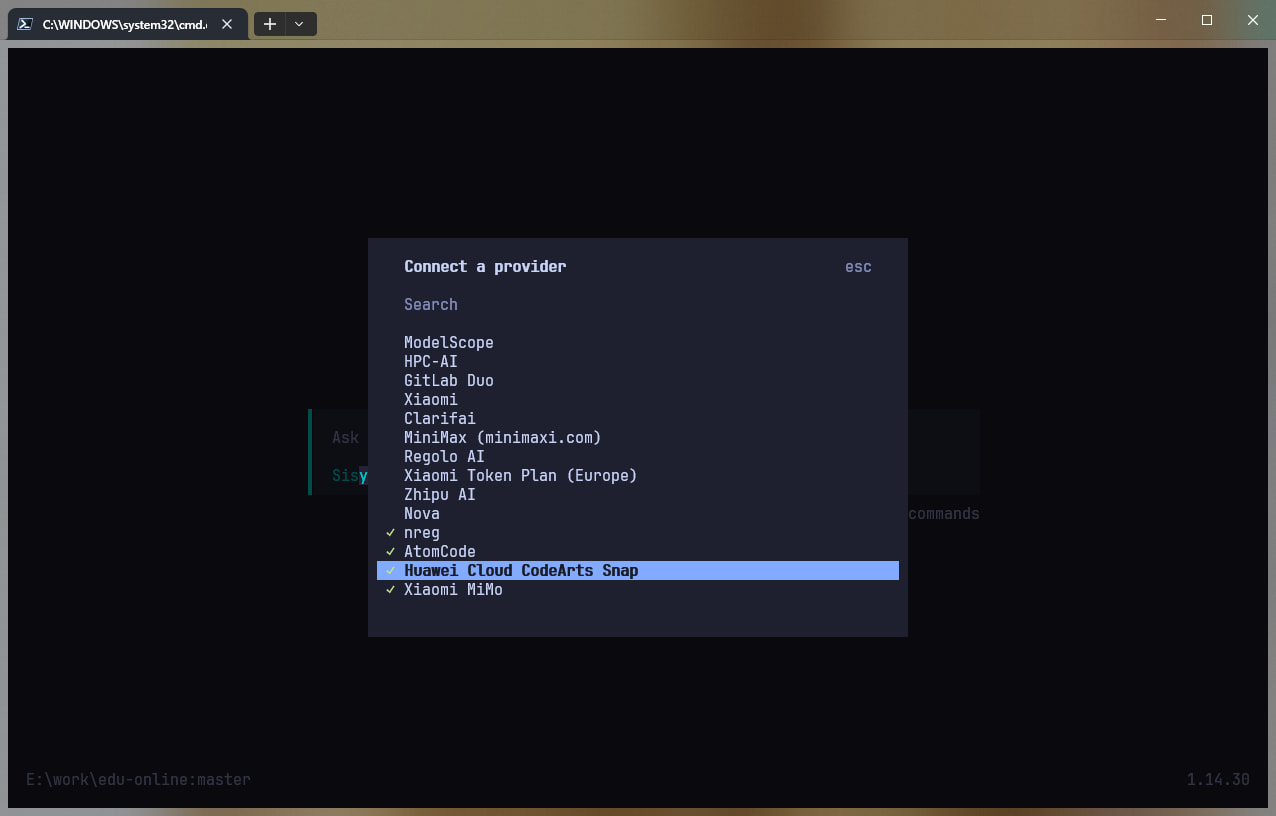
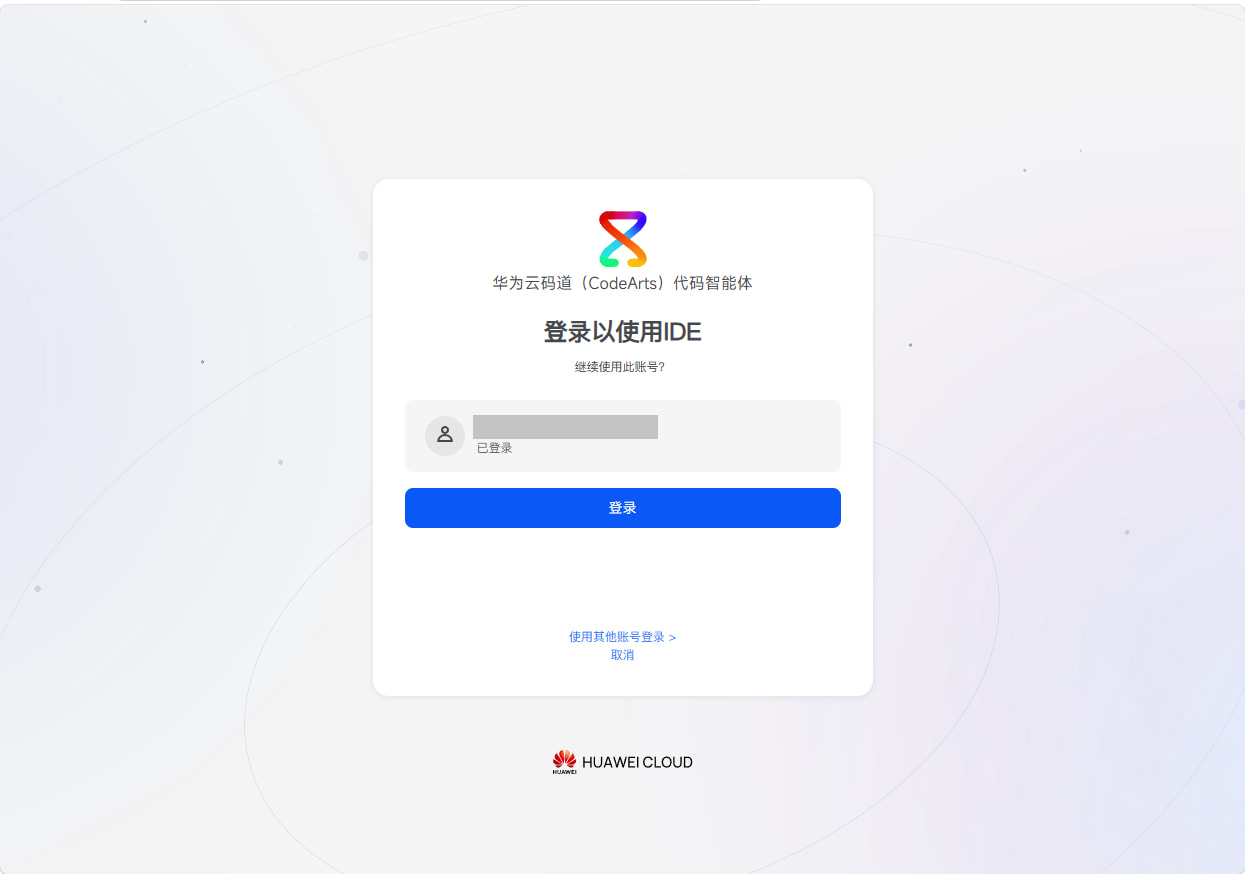
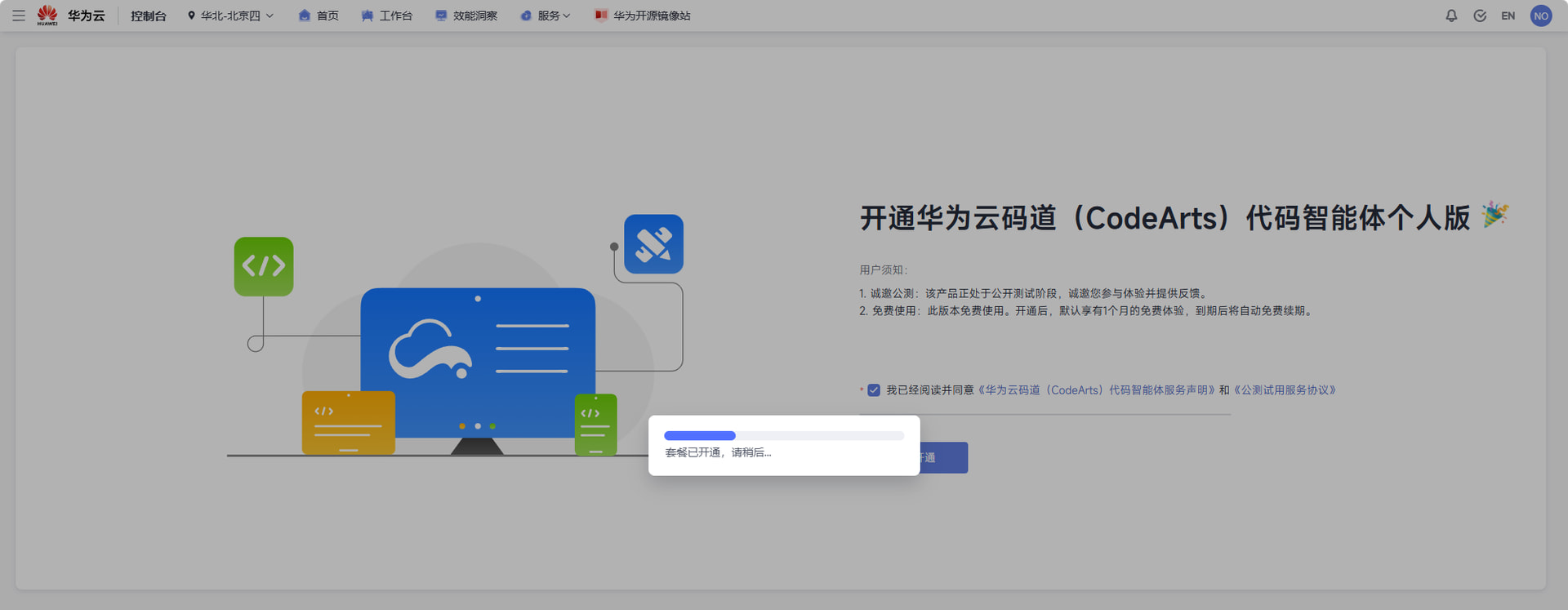
如果没开通过 codeart 个人版 会提示你开通,如果开通过就不会有下面这个界面:
开通后会自动 回到上图,点击登录就行
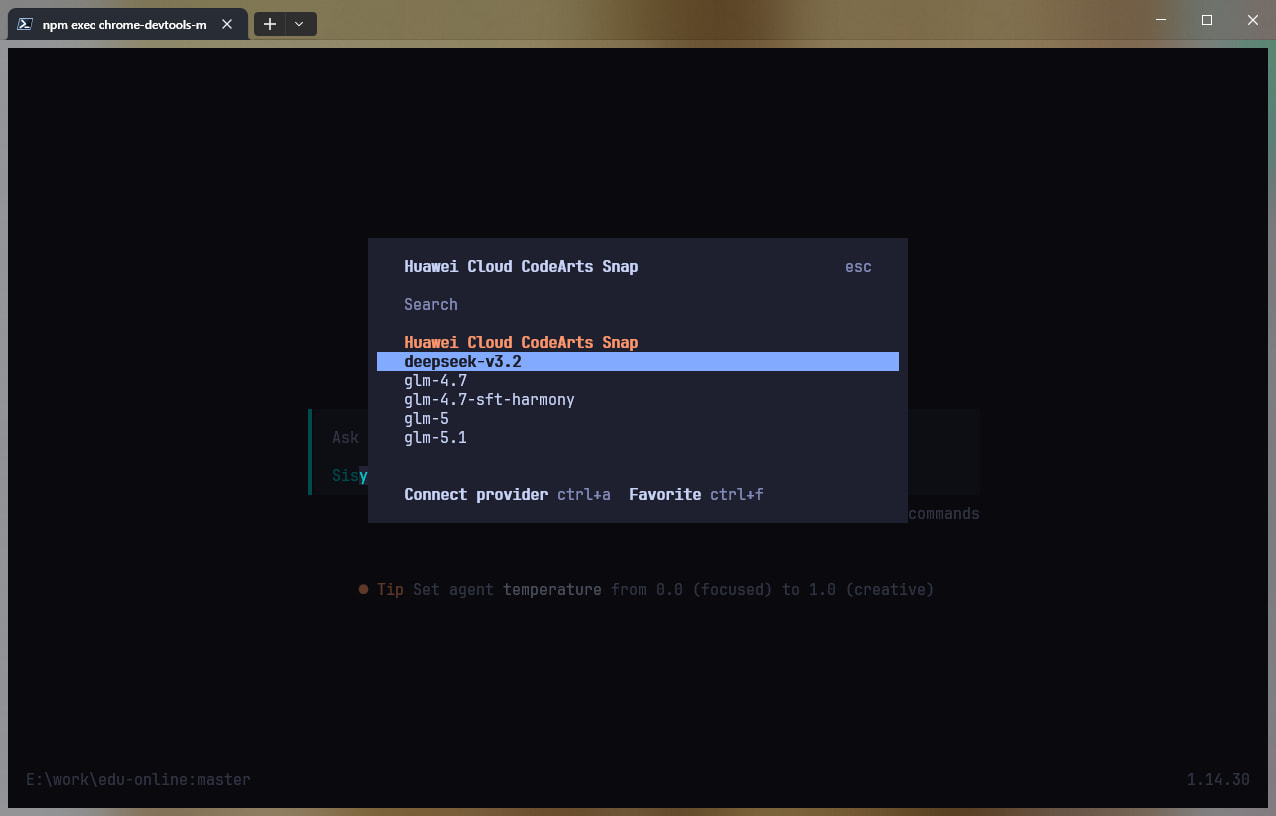
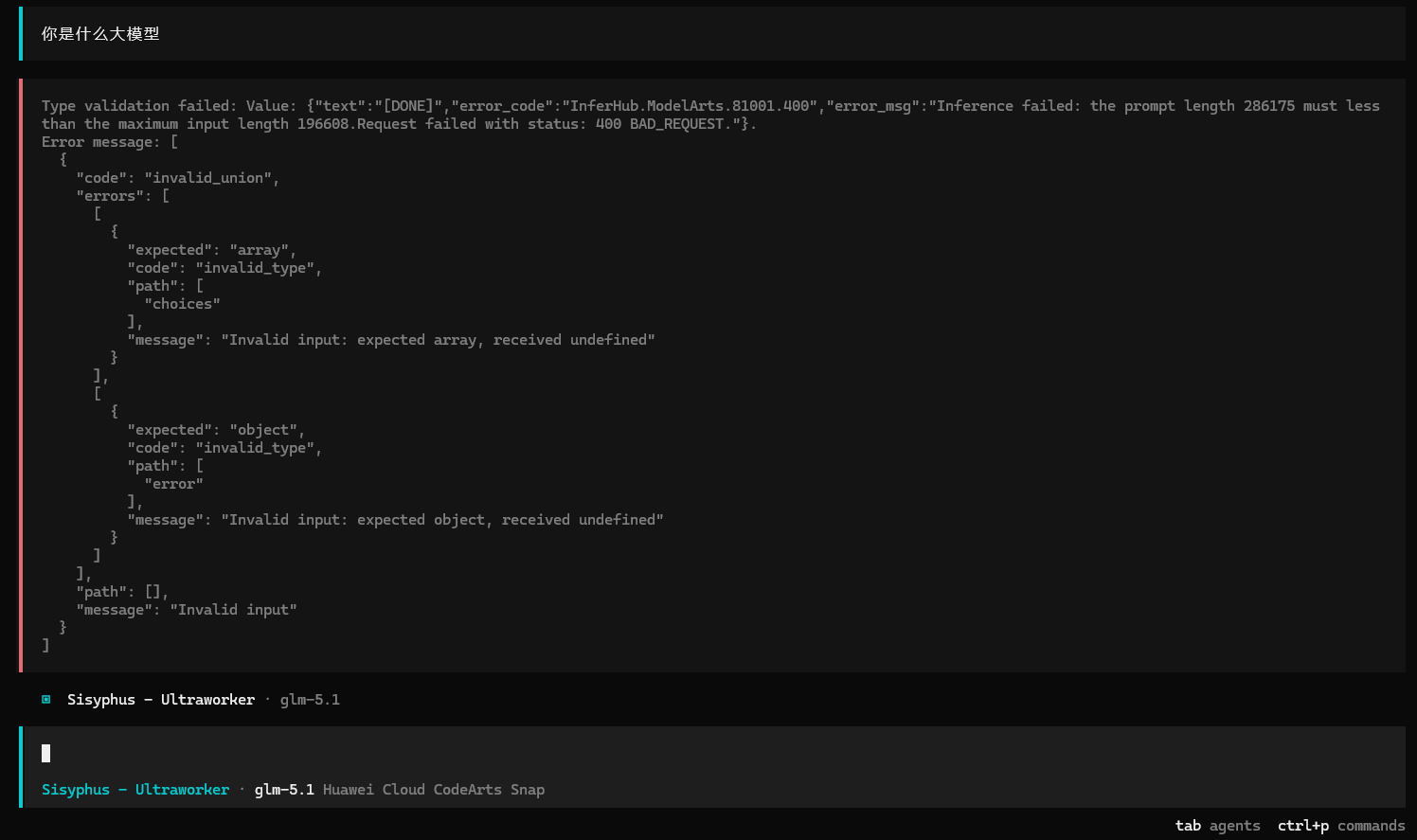
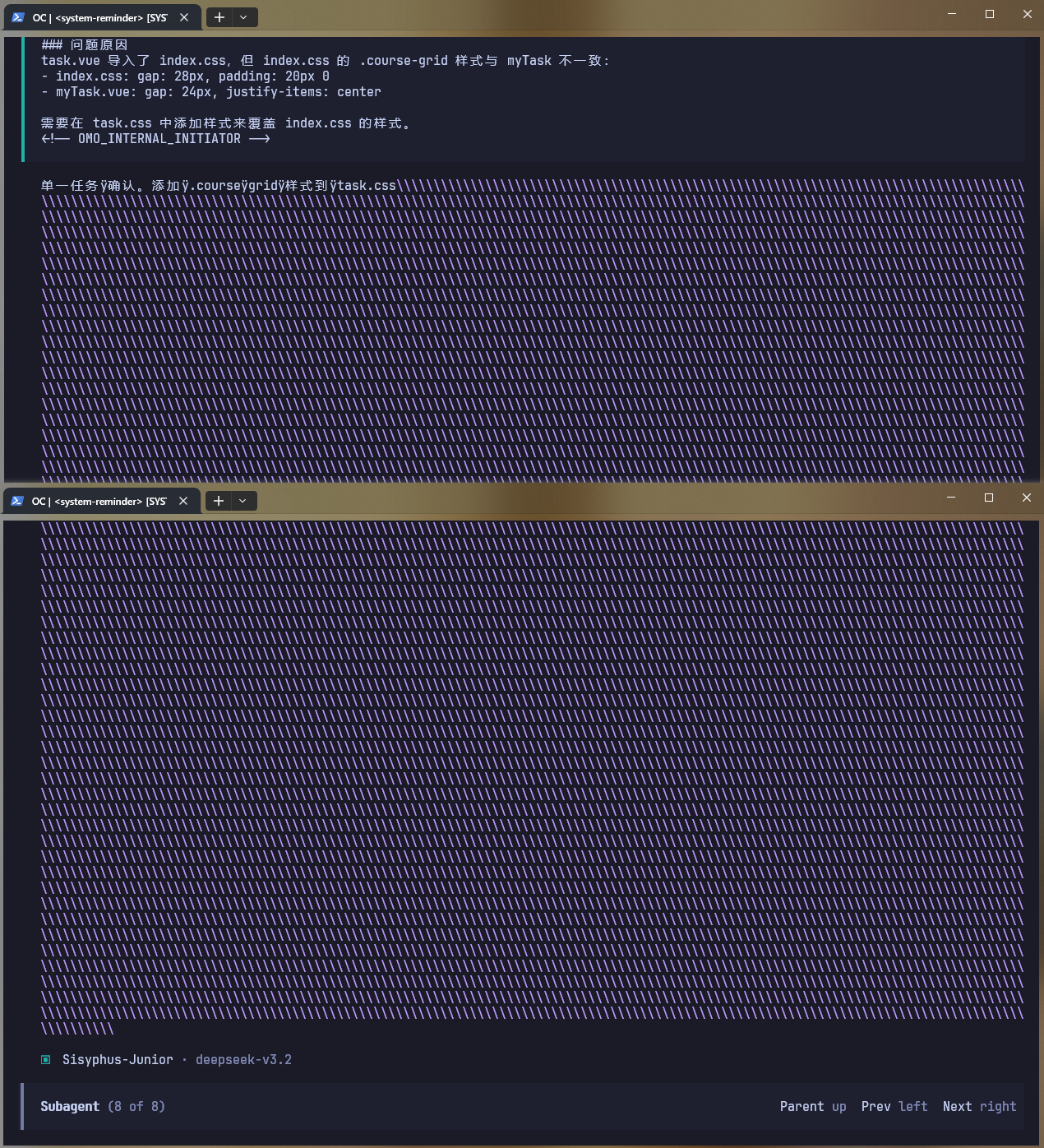
可用模型:(这里的模型id是指插件内部请求官方的模型id,对外的模型id都是下方的模型名称)
| 模型 ID | 模型名称 | 上下文窗口 | 最大输出 | 描述 |
|---|---|---|---|---|
Glm-5-internal |
glm-5 | 202,752 | 65,536 | 智谱 GLM-5 内部版本 |
GLM-5.1 |
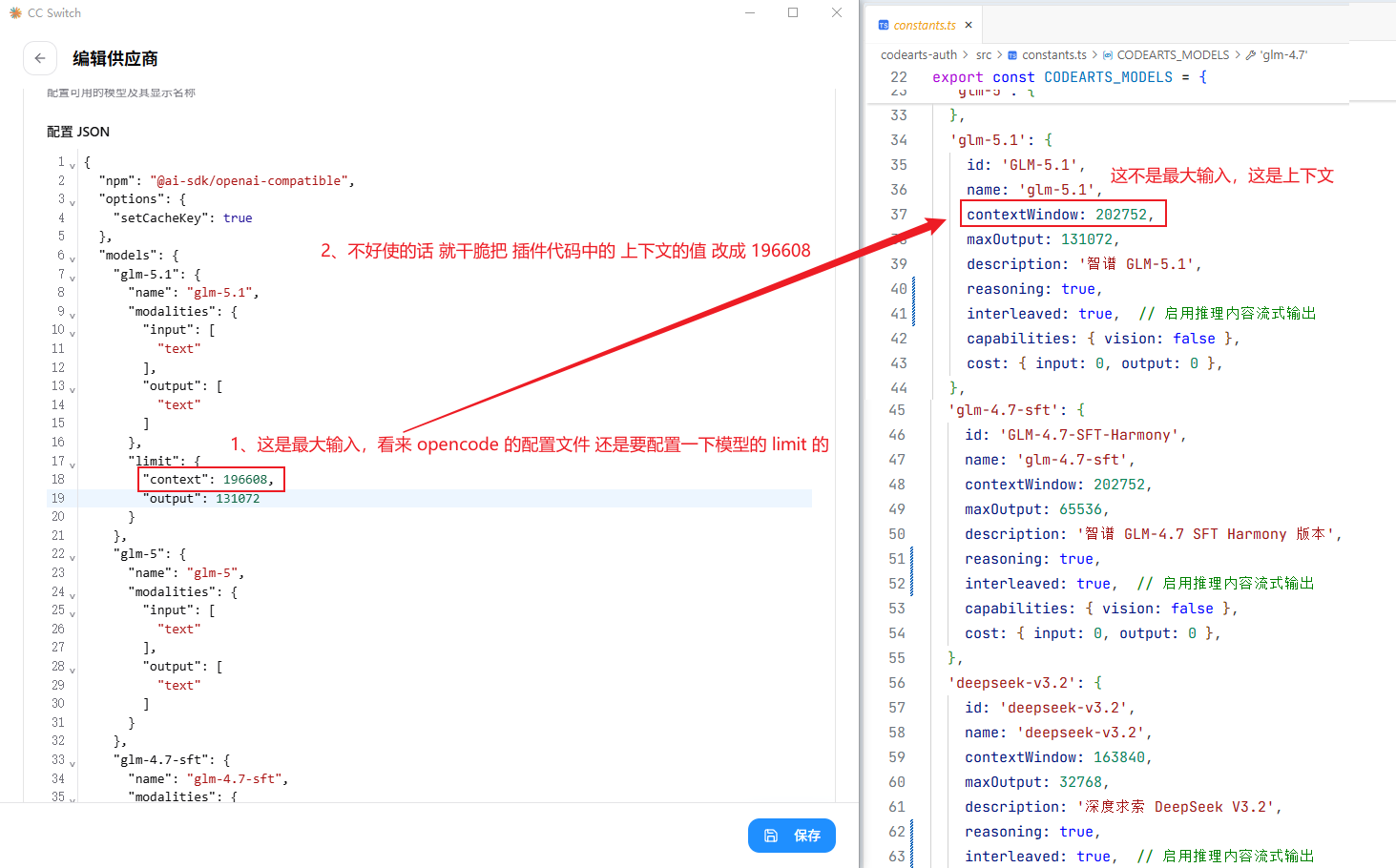
glm-5.1 | 202,752 | 131,072 | 智谱 GLM-5.1 |
GLM-4.7-SFT-Harmony |
glm-4.7-sft-harmony | 202,752 | 65,536 | 智谱 GLM-4.7 SFT Harmony 版本 |
deepseek-v3.2 |
deepseek-v3.2 | 163,840 | 32,768 | 深度求索 DeepSeek V3.2 |
Glm-4.7-internal |
glm-4.7 | 202,752 | 65,536 | 智谱 GLM-4.7 内部版本 |
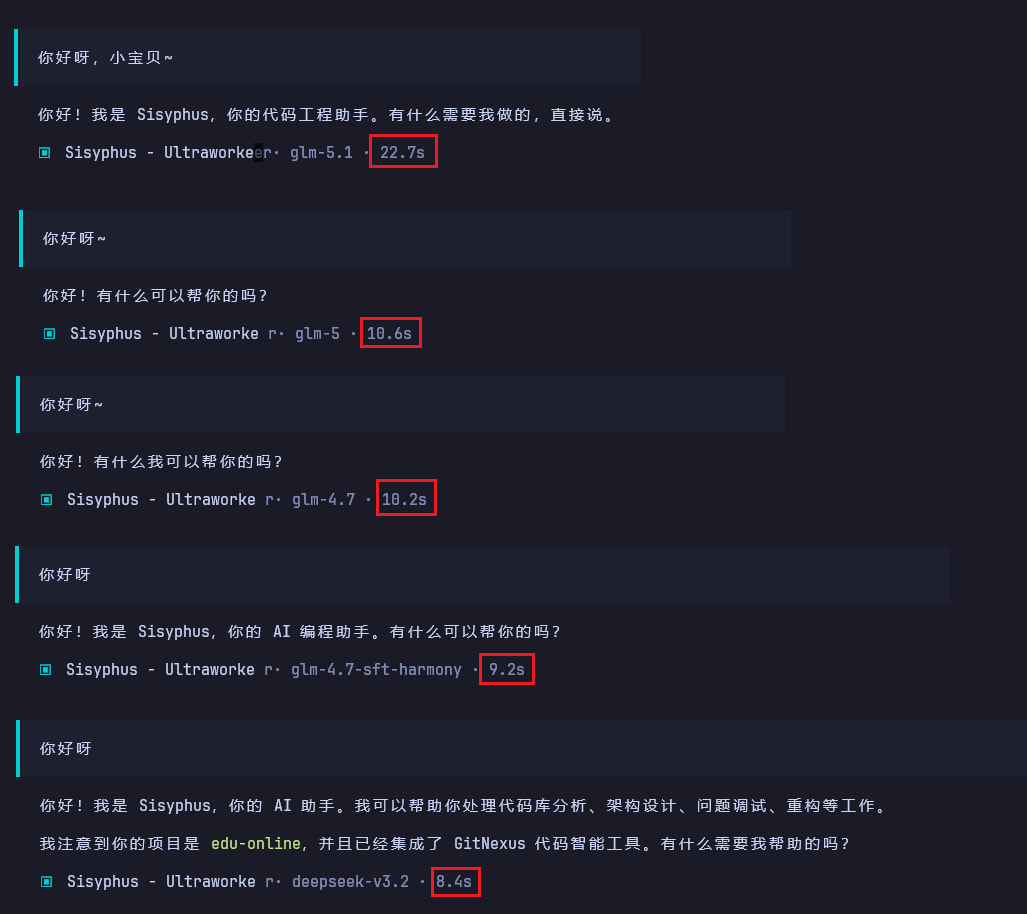
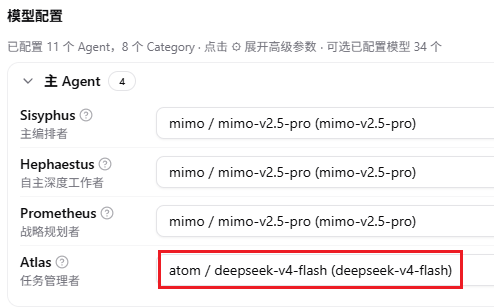
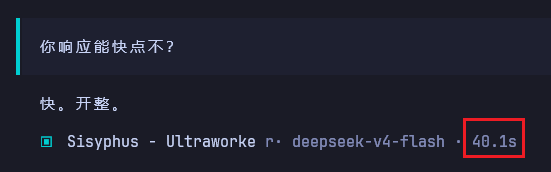
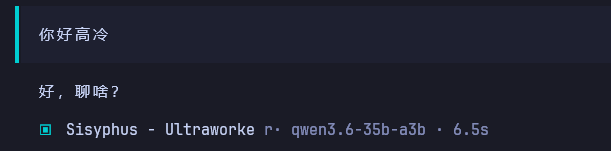
测试情况:(这个响应速度确实离收费模型还有很大的一段距离,各家 codingplan 基本上都是在5秒以内,没办法各种形式的免费模型皆是如此)
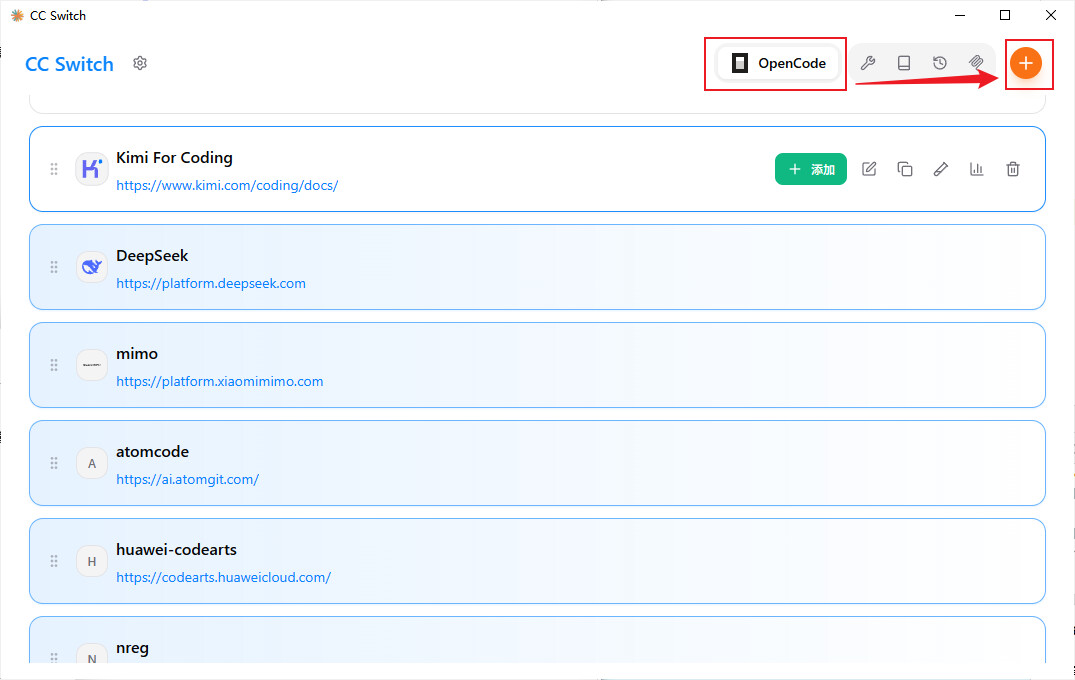
供应商id(供应商标志)是:huawei-codearts
(你可能在CC-SWITCH的OpenCode配置中需要使用,因为OMO要选择必须配置OpenCode的该供应商模型列表,配置时不需要指定 baseUrl 和 apiKey)
OpenCode 配置示例:(不需要limit,因为插件内置了正确的 且 OpenCode 会正常识别上下文大小)
{
  "$schema": "https://opencode.ai/config.json",
  "theme": "github-transparent",
  "watcher": {
    "ignore": [
      "node_modules/**",
      "dist/**",
      ".git/**",
      ".gitnexus/**",
      ".idea/**"
    ]
  },
  "plugin": [
    "E:/work/nreg/ai-auth/codearts-auth",
    "@mohak34/opencode-notifier@latest",
    "oh-my-openagent@latest"
  ],
  "provider": {
    "huawei-codearts": {
      "npm": "@ai-sdk/openai-compatible",
      "options": {
        "setCacheKey": true
      },
      "models": {
        "glm-5.1": {
          "name": "glm-5.1",
          "modalities": {
            "input": [
              "text"
            ],
            "output": [
              "text"
            ]
          }
        },
        "glm-5": {
          "name": "glm-5",
          "modalities": {
            "input": [
              "text"
            ],
            "output": [
              "text"
            ]
          }
        },
        "glm-4.7-sft-harmony": {
          "name": "glm-4.7-sft-harmony",
          "modalities": {
            "input": [
              "text"
            ],
            "output": [
              "text"
            ]
          }
        },
        "deepseek-v3.2": {
          "name": "deepseek-v3.2",
          "modalities": {
            "input": [
              "text"
            ],
            "output": [
              "text"
            ]
          }
        },
        "glm-4.7": {
          "name": "glm-4.7",
          "modalities": {
            "input": [
              "text"
            ],
            "output": [
              "text"
            ]
          }
        }
      }
    }
  },
  "mcp": {},
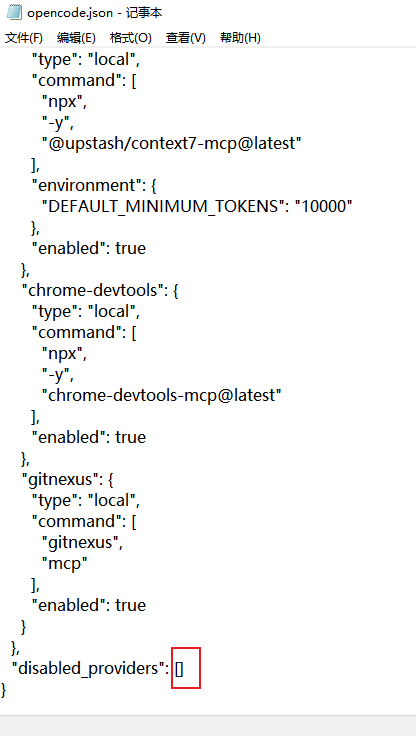
  "disabled_providers": []
}
注:
1、插件可能在一个月后失效,源码分享了到时候自己搞搞啦~ (感谢社区大佬提供的信息)
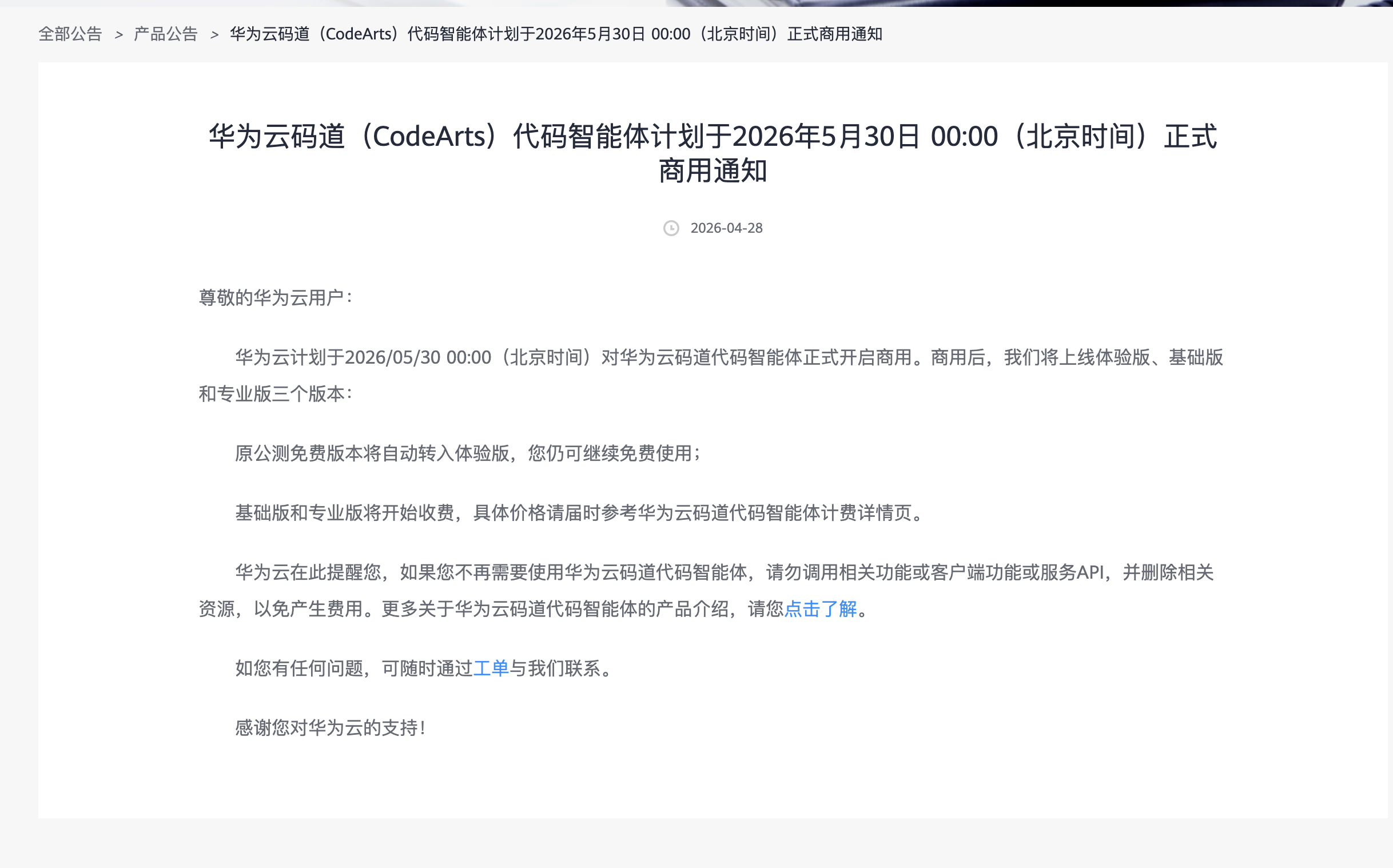
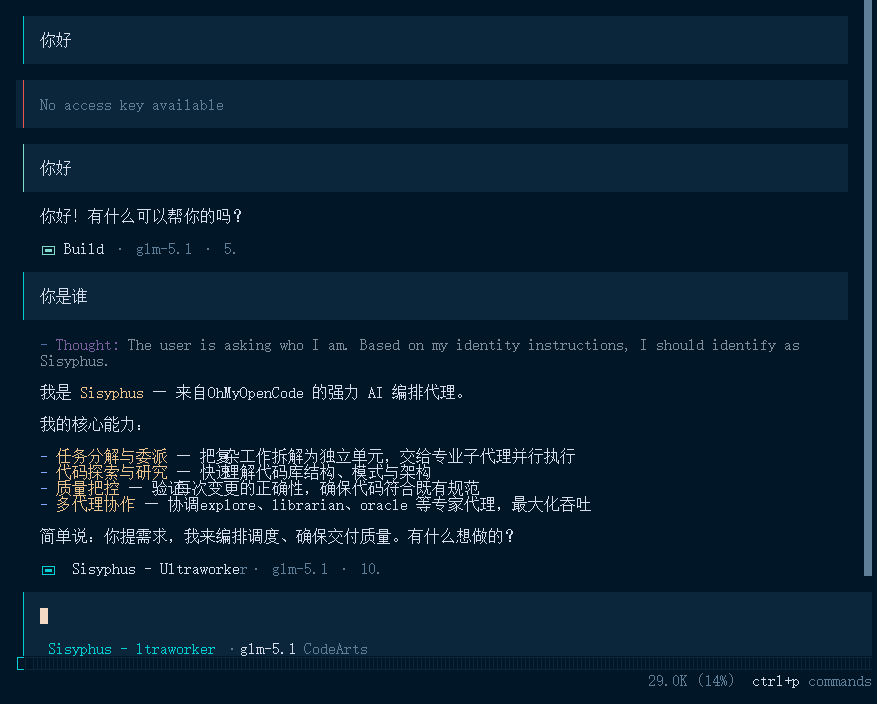
2、华为的 CodeArts 的 token 有效期非常短,通常是需要每天都重新登录的:/connect
(其它插件不会,通常不用重登,而且每个插件都有 502错误重试机制(502错误是token失效错误,请求时检测到该错误,插件会使用 refresh_token 强制刷新一次token,并重试1次原请求,如果连 refresh_token 都失效了(OpenCode调用报错:No access key available),那么就需要重新登录了: 在插件中使用 /connect 命令选择 CodeArts 重新授权一次。)


 。 再补充一下,可以在订单里找到续费管理,我续约到了七月,费用为0 ,可能到时候会变成体验版两个月吧(这个我不太确定),感兴趣的兄弟可以去试试。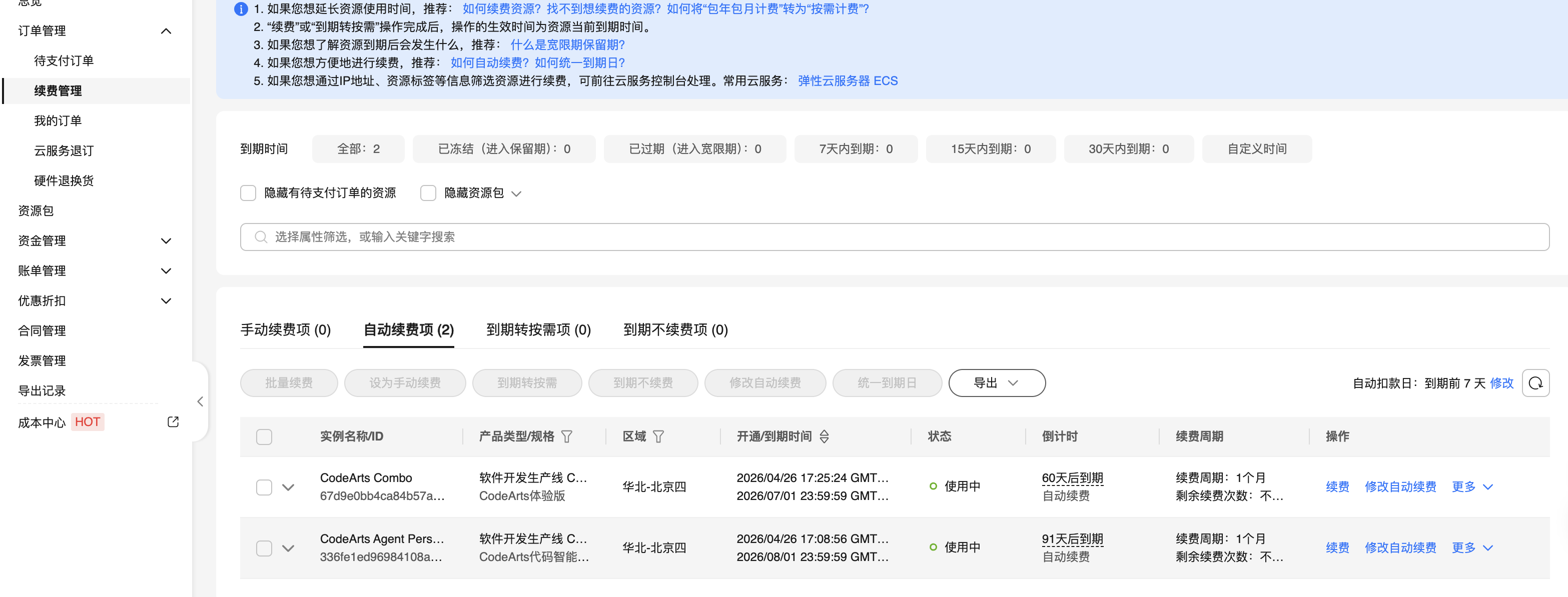
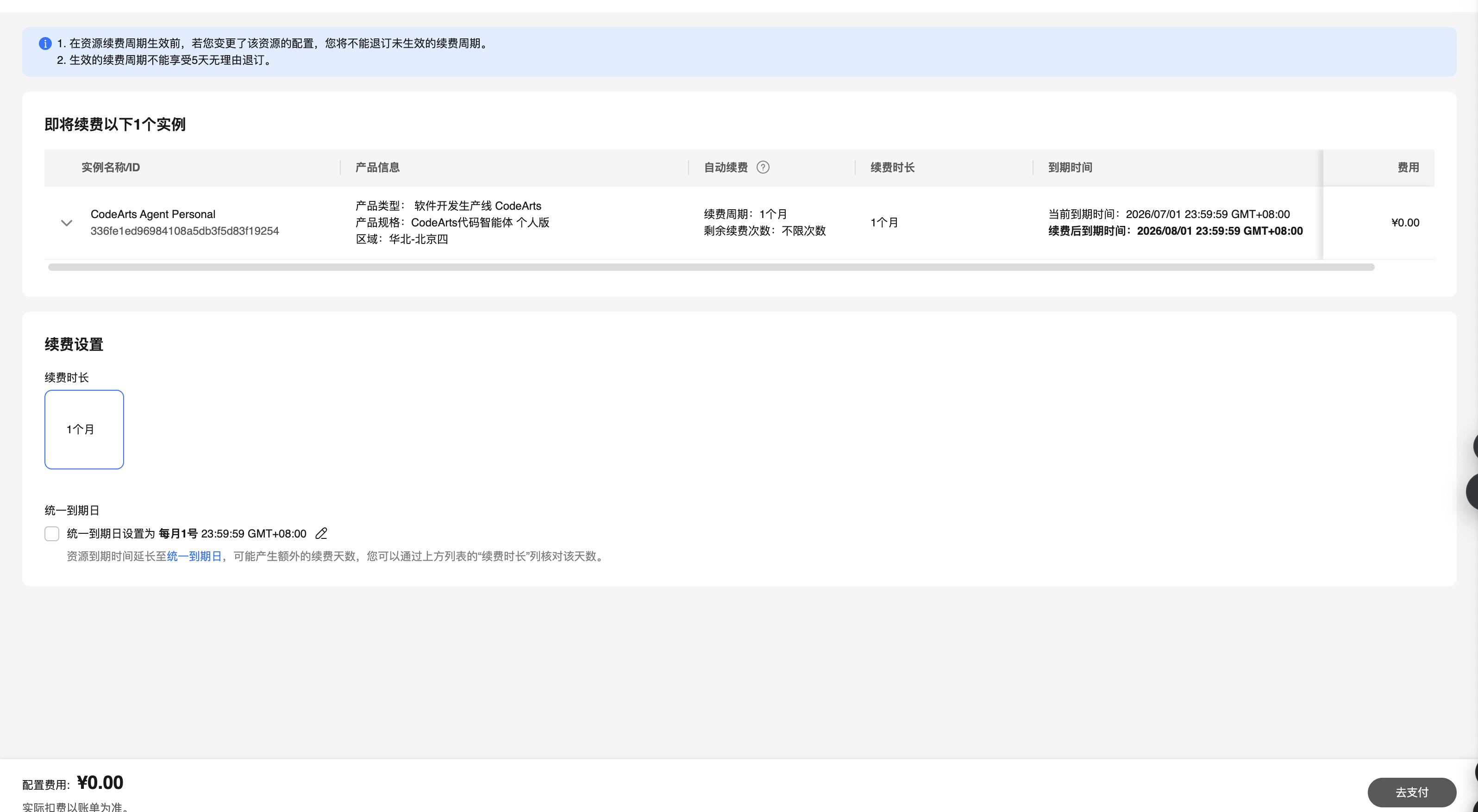
 ,我还真没看,根本不知道这回事