===============================
每个月模型上省下的钱可以拿出一部分支持一下【心流搜索】和【心流知识库】
https://www.iflow.cn/
https://platform.iflow.cn/pricingPage
说不定哪天心流高层一高兴就把我们心心念的 iflow cli 开源了呢 
OpenCode 在我这里一直都是替代品。
===============================
源码: atomcode-auth
不开源:开源的话用得人多了官方的服务器会变卡。
使用方式:
1、下载解压
2、%USERPROFILE%\.config\opencode\opencode.json 配置文件中增加以下配置:写解压后的路径
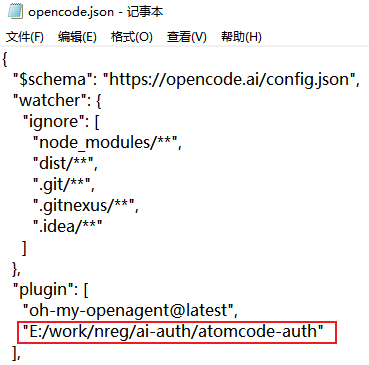
授权登录:cli用户直接命令行输入 opencode 回车,gui用户命令行输入 opencode-cli 回车,按图操作
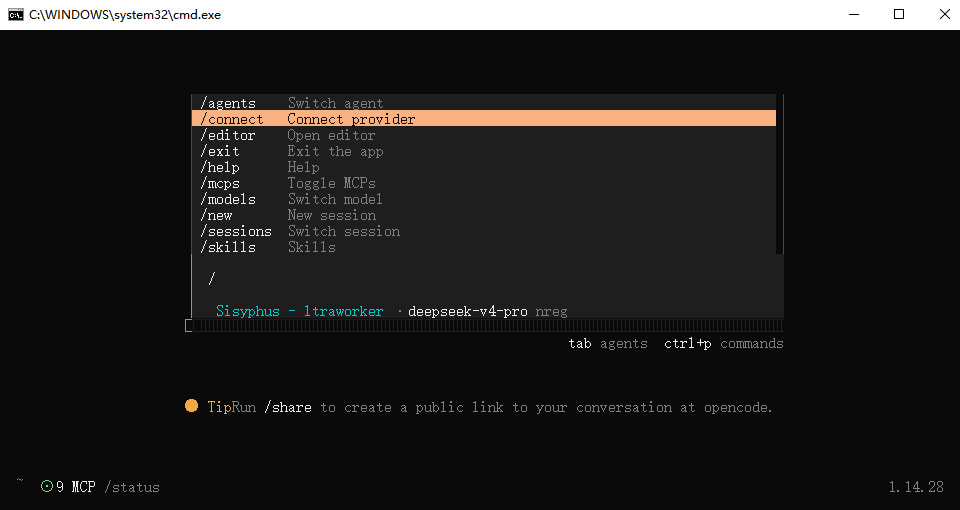
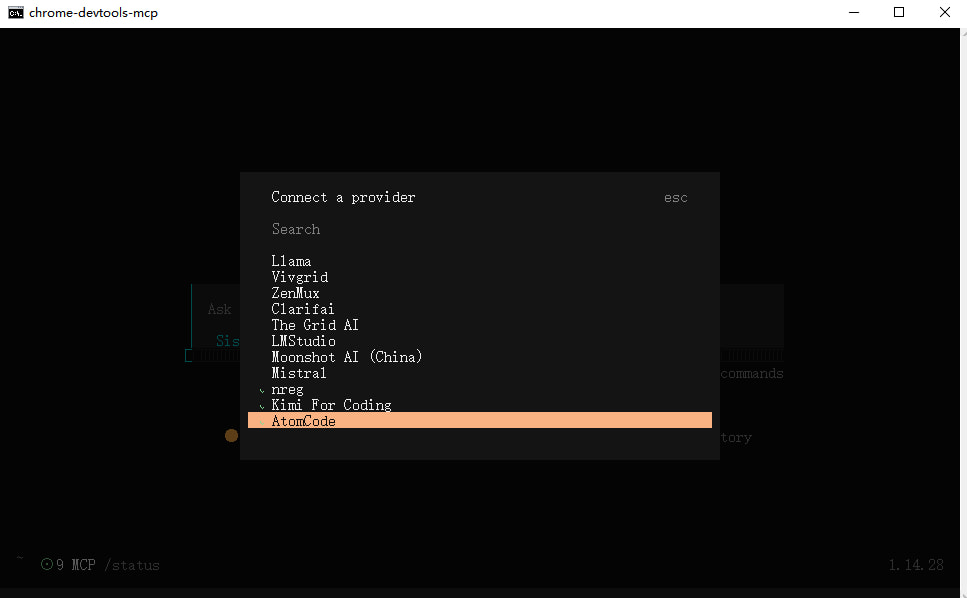
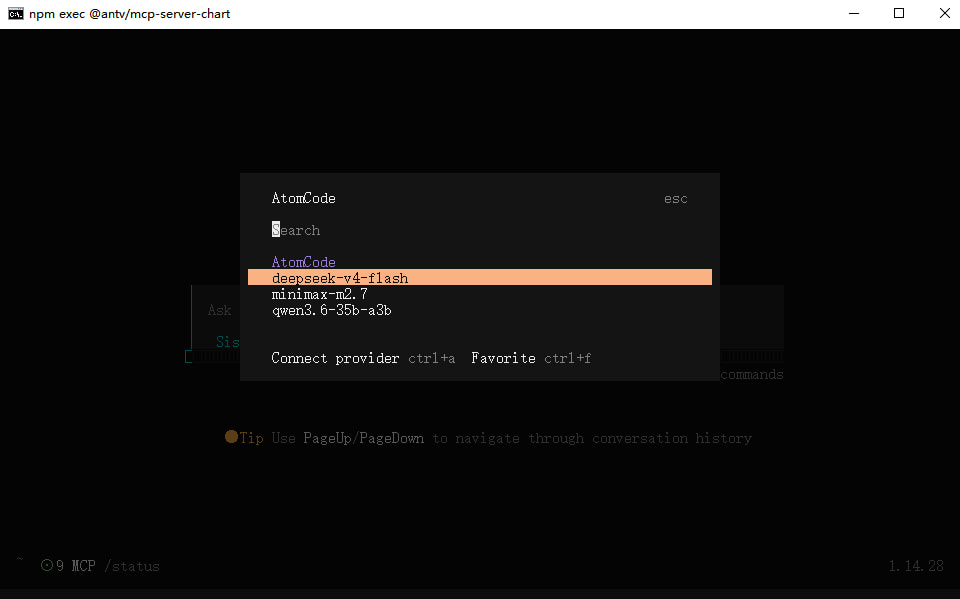
测试情况:(这个响应速度确实离收费模型还有很大的一段距离,各家 codingplan 基本上都是在5秒以内,没办法各种形式的免费模型皆是如此)
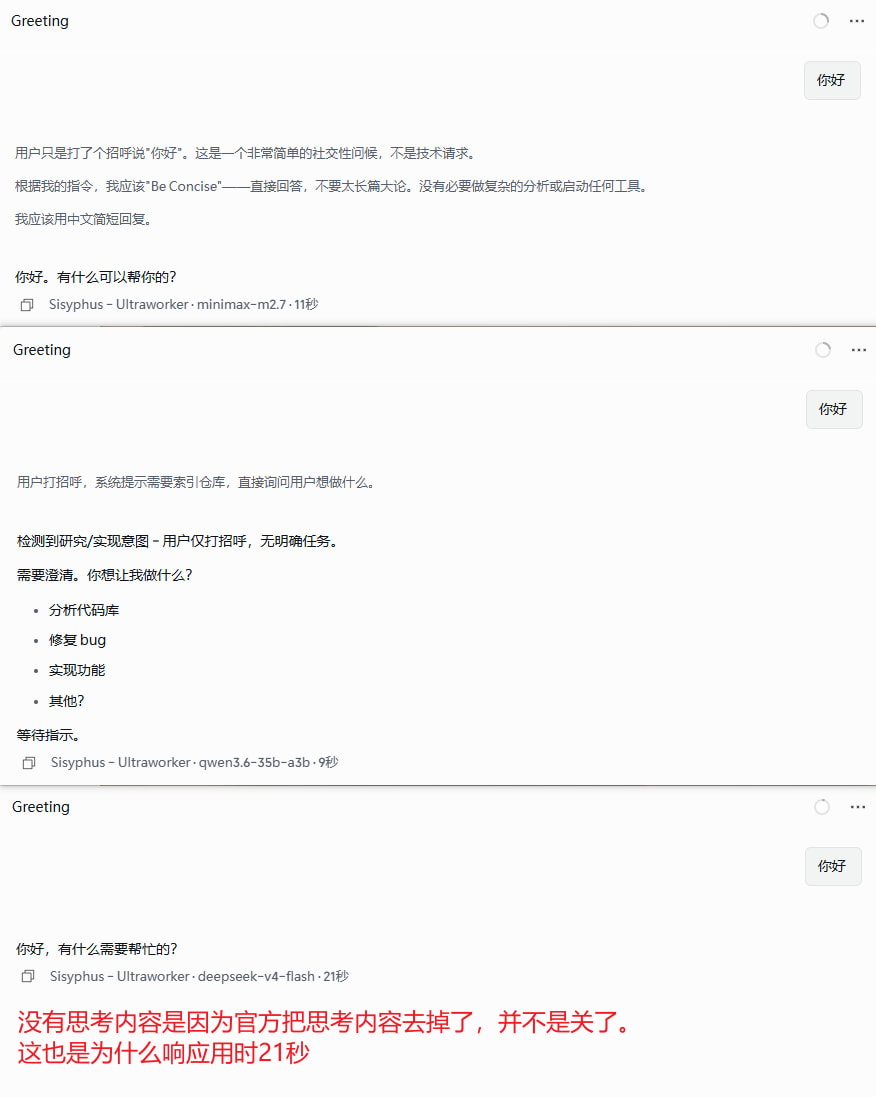
注:免费使用 deepseek-v4-pro 可以使用 NVIDIA 的:
baseUrl:https://integrate.api.nvidia.com/v1
apiKey 申请: https://build.nvidia.com/settings/api-keys
| 模型id | 模型别名 | 描述 | 最大输入 | 最大输出 | 最大思维链长度 | 上下文 | 类型 | TPS |
|---|---|---|---|---|---|---|---|---|
| deepseek-ai/deepseek-v4-pro | deepseek-v4-pro | Agentic Coding 模型,据评测反馈使用体验优于 Sonnet 4.5,交付质量接近 Opus 4.6 非思考模式,但仍与 Opus 4.6 思考模式存在一定差距。针对 Claude Code 、OpenClaw、OpenCode、CodeBuddy 等主流的 Agent 产品进行了适配和优化。 | - | 384k | - | 1m | 文本 | 每秒26 tokens |
供应商id(供应商标志)是:atomcode
(你可能在CC-SWITCH的OpenCode配置中需要使用,因为OMO要选择必须配置OpenCode的该供应商模型列表,配置时不需要指定 baseUrl 和 apiKey)
OpenCode 配置示例:(不需要limit,因为插件内置了正确的 且 OpenCode 会正常识别上下文大小)
{
  "$schema": "https://opencode.ai/config.json",
  "theme": "github-transparent",
  "watcher": {
    "ignore": [
      "node_modules/**",
      "dist/**",
      ".git/**",
      ".gitnexus/**",
      ".idea/**"
    ]
  },
  "plugin": [
    "E:/work/nreg/ai-auth/atomcode-auth",
    "@mohak34/opencode-notifier@latest",
    "oh-my-openagent@latest"
  ],
  "provider": {
    "atomcode": {
       "npm": "@ai-sdk/openai-compatible",
       "options": {
       "setCacheKey": true
     },
  "models": {
    "deepseek-v4-flash": {
      "name": "deepseek-v4-flash",
      "modalities": {
        "input": [
          "text"
        ],
        "output": [
          "text"
        ]
      },
      "options": {
        "thinking": {
          "reasoning_effort": "high",
          "type": "enabled"
        }
      },
      "limit": {
        "context": 1048576,
        "output": 393216,
        "input": 1000000
      }
    },
    "qwen3.6-35b-a3b": {
      "name": "qwen3.6-35b-a3b",
      "modalities": {
        "input": [
          "text",
          "image"
        ],
        "output": [
          "text"
        ]
      },
      "limit": {
        "context": 262144,
        "output": 65536,
        "input": 260096
      }
    },
    "glm-5.1": {
      "name": "glm-5.1",
      "modalities": {
        "input": [
          "text"
        ],
        "output": [
          "text"
        ]
      },
      "limit": {
        "context": 202752,
        "output": 131072,
        "input": 196608
      }
    },
    "qwen3-vl-8b-instruct": {
      "name": "qwen3-vl-8b-instruct",
      "modalities": {
        "input": [
          "text",
          "image"
        ],
        "output": [
          "text"
        ]
      },
      "limit": {
        "context": 131072,
        "output": 32768,
        "input": 129024
      }
    }
  }
}

   },
  "mcp": {},
  "disabled_providers": []
}
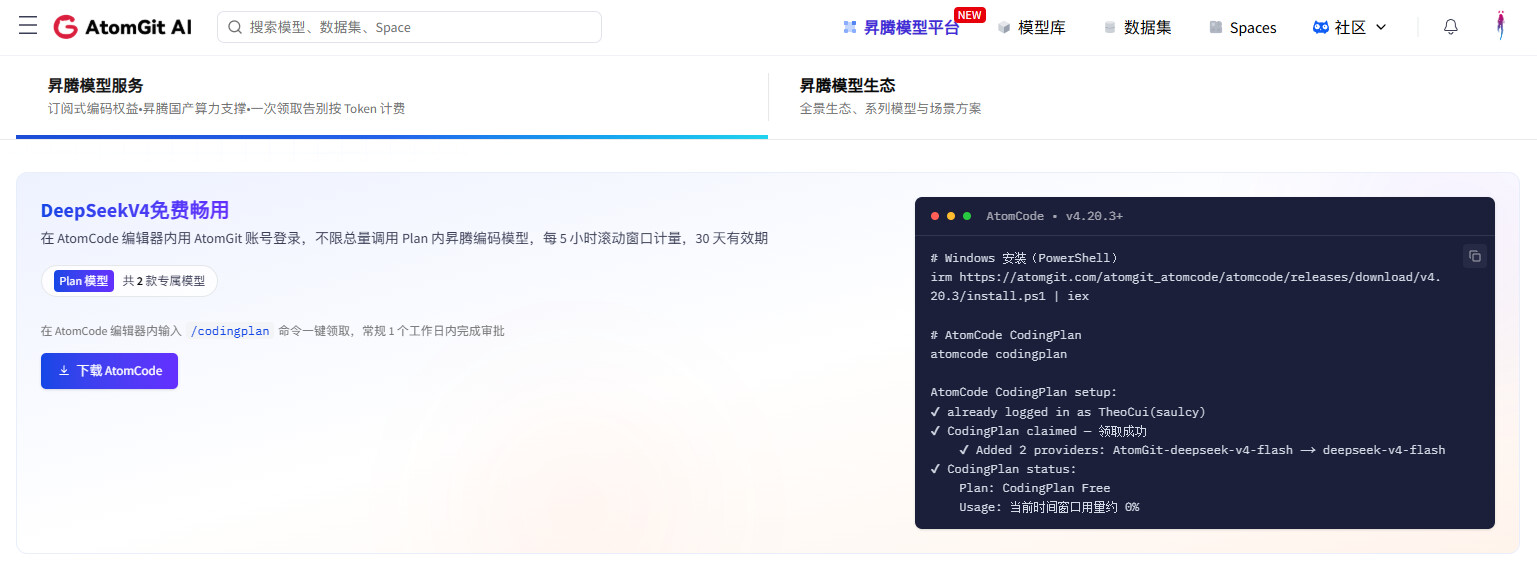
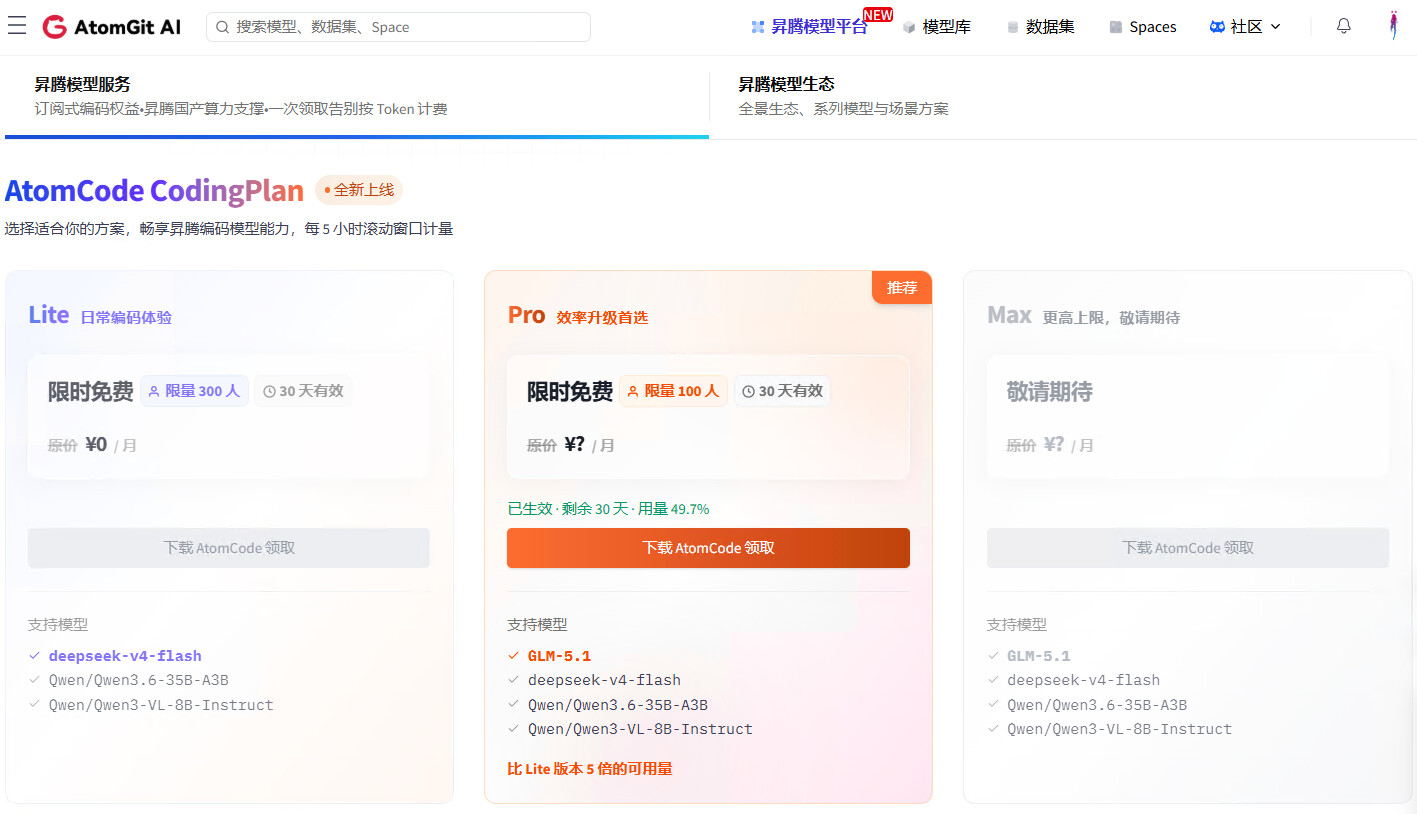
使用插件前,需要先领取:
PowerShell 安装 启动 领取:
irm https://atomgit.com/atomgit_atomcode/atomcode/releases/download/v4.20.3/install.ps1 | iex

atomcode

/codingplan
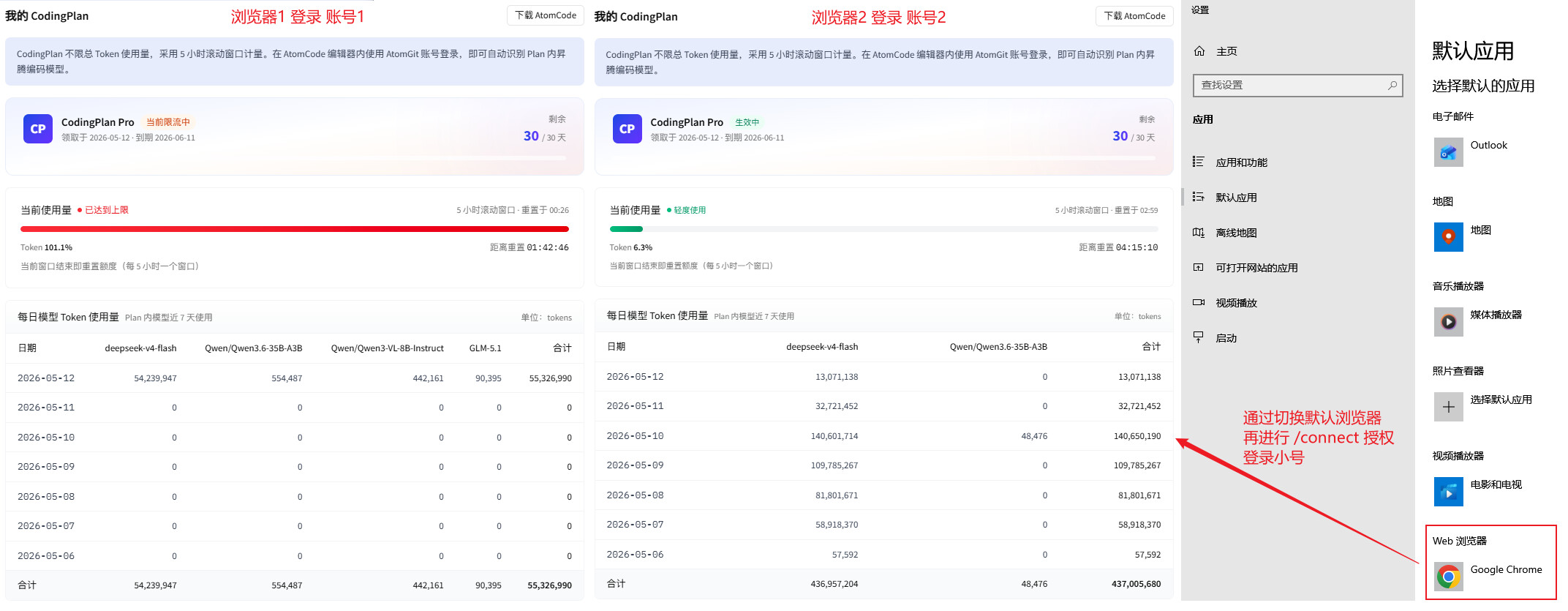
切换小号注意:
网站1:https://ai.atomgit.com/ (用于 查看5小时余量)
网站2:https://atomgit.com/ (用于真正切换小号,因为授权用的这个地址 )
(这两个网站竟然可以登录不同的账号,账号并不是互通的,光退网站1没用,授权的还是老账号)
下载链接已更新:
1、支持思考过程流式响应
2、同步支持新模型:qwen3-vl-8b-instruct、glm-5.1
3、支持 DEBUG=1 和 OPENCODE_ATOMCODE_DEBUG=1 两种环境变量,环境变量生效时日志输出到~/.atomcode-auth/debug.log
4、去掉 重试逻辑 和 指数退避策略 ,OpenCode本身就有 重试机制 和 fallback 机制,快速失败可以让 OpenCode 立即切换到其他提供商,任务体验更流畅,提升性能快速响应,避免无效等待
5、触发限流429错误会在OpenCode中友好提示(目前估测官方3000W tokens/5小时)
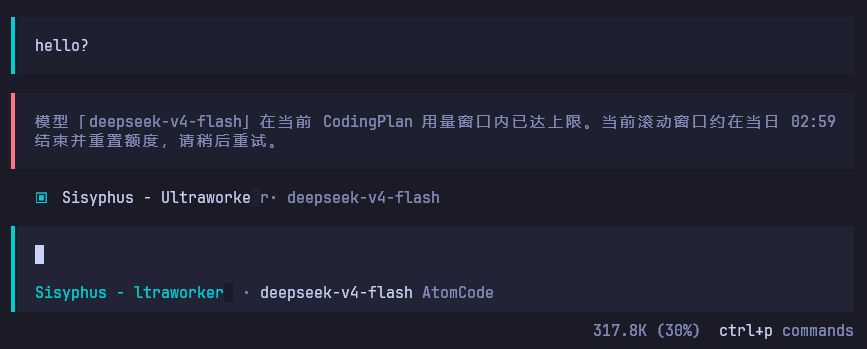
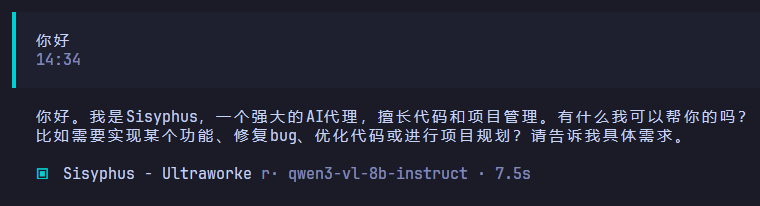
6、修复官方 qwen3-vl-8b-instruct 非推理模型以 reasoning_content 字段返回 content 内容 的问题。
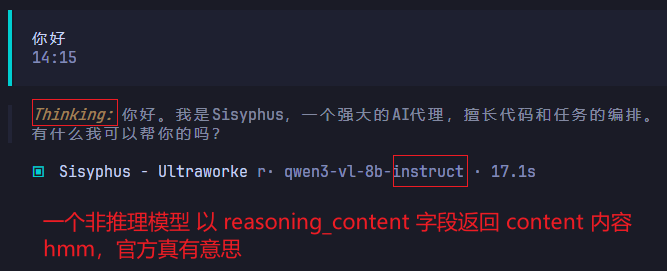
做特殊处理,修复后:如果官方在未来对这个模型的响应问题进行了修复,则插件也会正常响应
====
更新了一下:修复 content 内容的问题
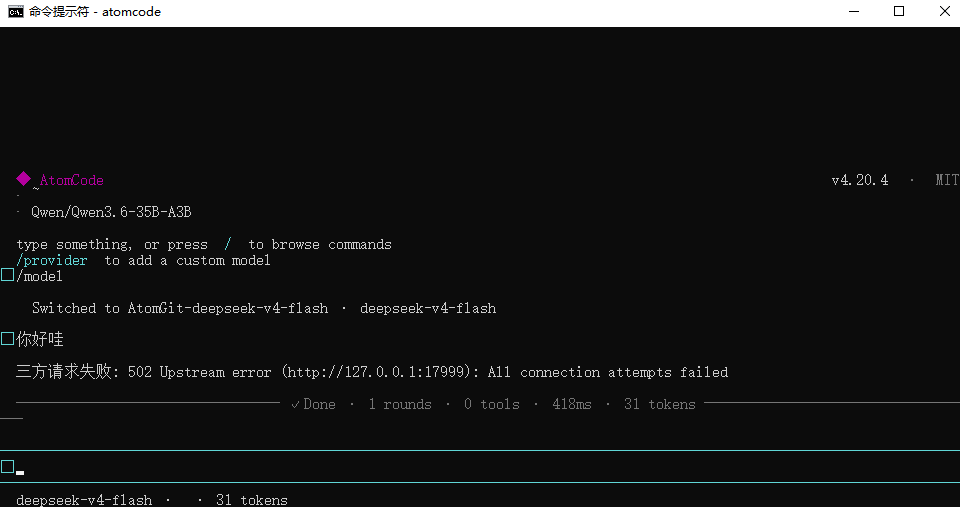
官方可能不支持 glm-5.1 了,最近总是返回空流(群里说是满载了)

 )
)
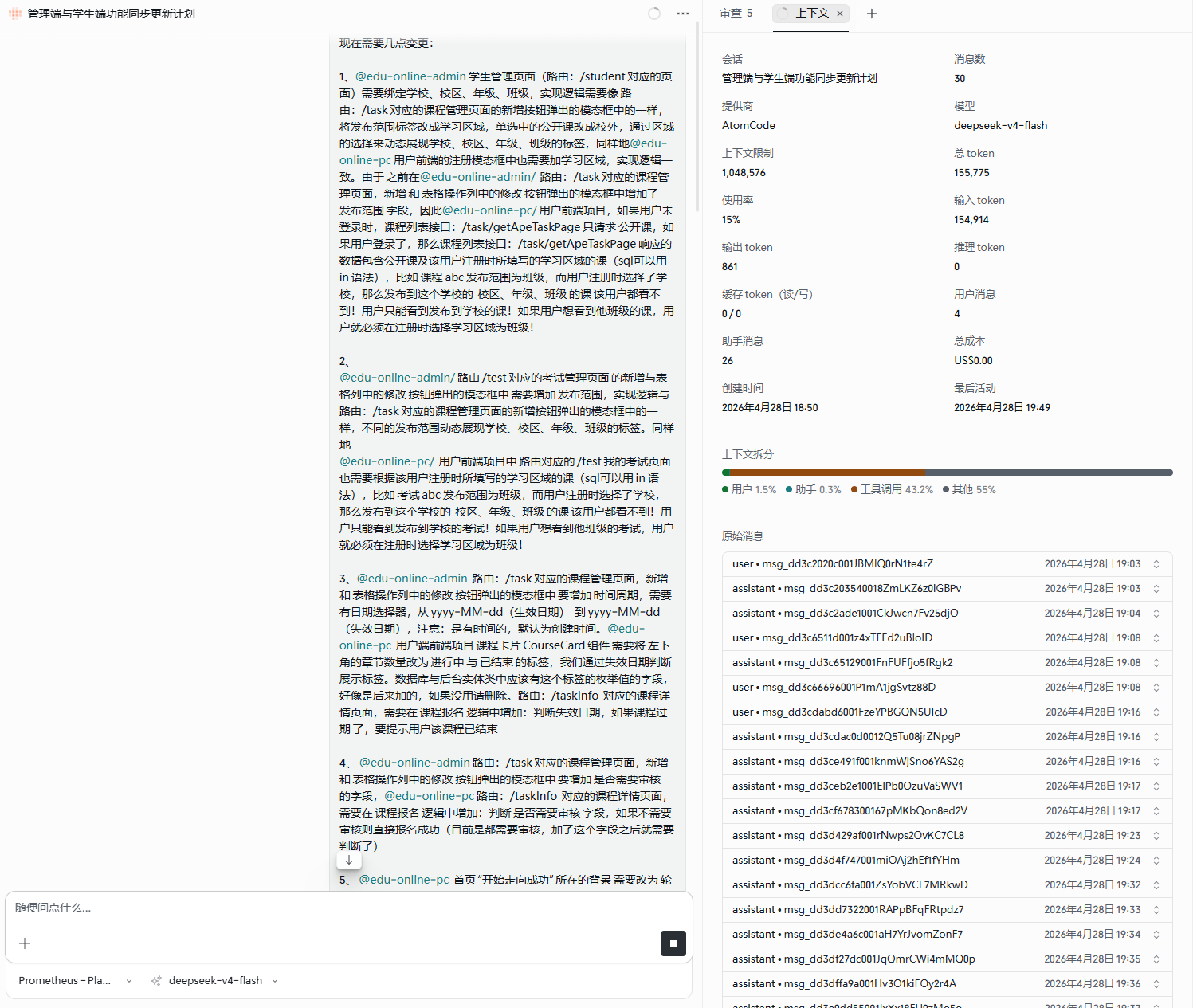
 吸干了
吸干了
 感谢
感谢